


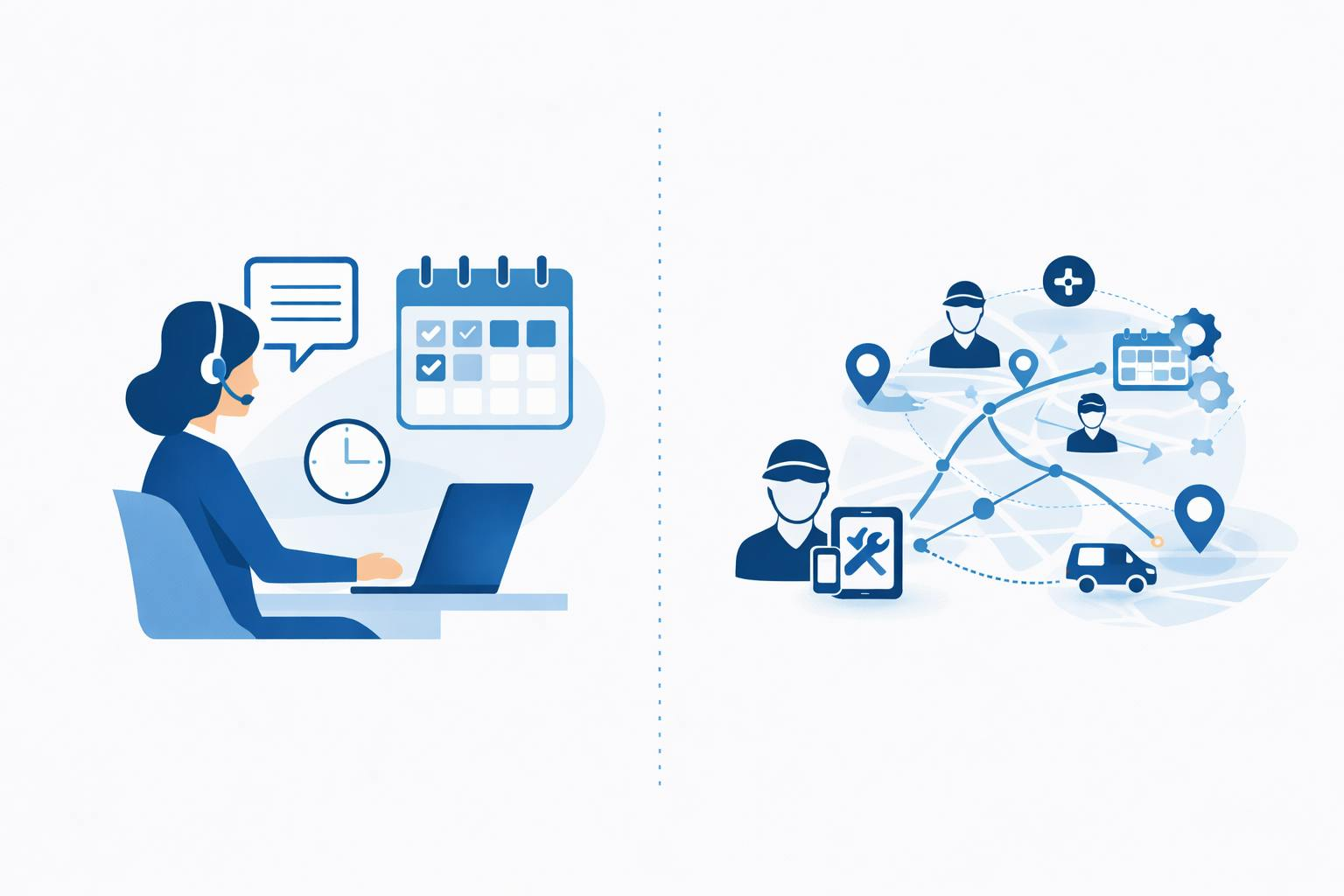
A field service management platform gives you a single place to schedule work, dispatch technicians, track equipment, and close the loop with invoicing and reporting. It reduces missed appointments, speeds response times, and puts real-time job details in the hands of both office staff and field crews so you can run operations more efficiently.
Expect this article Field Service Management Platform to show which core capabilities matter (scheduling, mobile access, inventory and reporting), how those features solve daily pain points, and the practical advantages you can measure in productivity and customer satisfaction. Dive in to learn what to prioritize when evaluating platforms and how they change the way your team works.
Core Capabilities and Essential Features
A field service management platform must coordinate jobs, people, and equipment while reducing travel time and paperwork. You should expect precise work order control, automated scheduling, clear asset histories, and instant technician communication.
Work Order Management
Work orders act as the single source of truth for each job. Your platform should let you create, edit, and route work orders with defined fields for job type, priority, SLA, required parts, safety notes, and estimated time. Include templates and checklists so technicians follow consistent steps and you capture standardized data.
Support for attachments—photos, signatures, PDFs—and audit trails matters. You need automatic status updates (created, dispatched, en route, on site, completed) and the ability to convert completed work into invoices or warranty claims. Integration with CRM and ERP ensures customer records, billing codes, and inventory sync without manual re-entry.
Scheduling and Dispatch Optimization
Efficient scheduling reduces drive time and improves first-time fix rates. You should use rules-based automation that matches technician skills, certifications, shift availability, and territory constraints to each job. Look for route optimization that minimizes travel while respecting appointment windows.
Real-time dispatch boards must let dispatchers drag-and-drop jobs, see technician locations, and apply dynamic reassignments for emergency calls. Also require what-if simulation and load balancing so you can test plans, forecast capacity, and avoid overtime expenses by reallocating tasks proactively.
Asset Tracking
Track assets with unique IDs, serial numbers, installed locations, and service histories so you know what’s on site before arrival. Your system should store warranty terms, manufacturer documents, and replacement part lists linked to each asset record. This reduces diagnostic time and prevents unnecessary part orders.
Include condition monitoring feeds or IoT integrations for critical equipment so you can trigger work orders from telemetry. Enable scheduled preventive maintenance based on runtime, usage thresholds, or calendar intervals to extend asset life and minimize emergency repairs.
Real-Time Communication Tools
Technician productivity depends on fast, reliable communication. Your platform should provide in-app messaging, push notifications, and two-way SMS so you can send updates, change scopes, or request approvals instantly. Allow technicians to share photos, short videos, and diagnostic logs directly to the work order.
Support offline access so technicians can record notes and capture signatures without a network; the app should sync automatically when connectivity returns. Also include customer-facing notifications — ETA updates and arrival confirmations — to reduce no-shows and improve transparency.
Advantages for Service Organizations
A field service management platform streamlines how you assign work, track technicians, and measure performance. It reduces manual steps, improves customer interactions, and gives you the analytics to prioritize investments.
Increased Operational Efficiency
You cut travel and idle time by using automated scheduling that matches technician skills, certifications, and location to the right jobs. Real-time dispatching sends optimized routes and schedule changes directly to technicians’ mobile apps, so you reduce missed appointments and emergency call response times.
Digitize work orders, parts inventory, and invoicing to eliminate duplicate data entry and speed billing cycles. Integrations with payroll and ERP systems let you close the loop from job completion to revenue recognition. Use capacity planning and load balancing to manage hundreds of technicians across multiple locations without overstaffing.
Implementing asset histories and preventive maintenance schedules reduces repeat visits. You lower mean time to repair (MTTR) because technicians arrive with the right parts and documentation on their first visit.
Improved Customer Experience
You increase first-time fix rates by ensuring technicians have accurate job details, part availability, and customer history before they arrive. Real-time ETA updates and SMS confirmations keep customers informed and reduce no-shows and inbound status calls.
Offer consistent service across regions by enforcing standardized workflows and checklists through the mobile app. Customers notice consistent technician behavior, faster resolutions, and smoother billing, which improves satisfaction scores and referral rates.
Provide self-service options like appointment booking and status tracking to reduce friction. Capture customer feedback immediately after service to identify issues while details are fresh and to drive targeted training or process changes.
Data-Driven Decision Making
You collect granular data on job durations, travel time, parts consumption, and technician productivity. Dashboards and KPIs let you spot bottlenecks—like recurring failures on a specific asset model—or identify technicians who need additional training.
Use historical data to forecast parts demand, reducing stockouts and excess inventory. Compare profitability by service type, region, or customer to inform pricing adjustments and resource allocation. Tie field metrics to financial outcomes by integrating FSM data with your ERP or BI tools.
Run scenario modeling for staffing and route changes to see predicted impacts on service levels and costs before you implement them. That lets you make informed, measurable operational changes rather than relying on guesswork.