
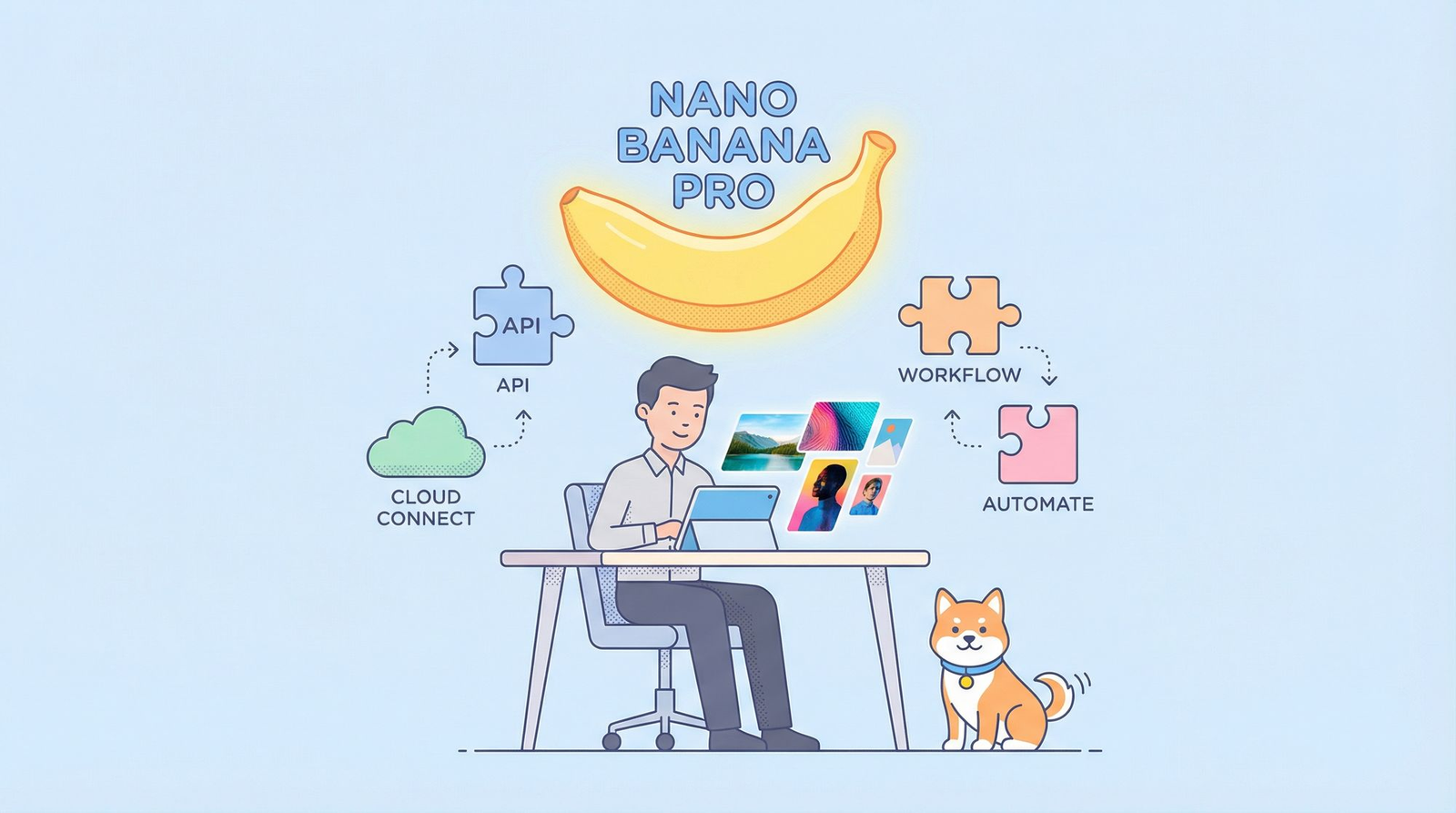
AI image generation tools have gotten so good over the past year that it’s become genuinely hard to keep track of which model is worth building around. Some are great at illustration, some are better at photorealism, and some fall apart the moment you give them a detailed, multi-part prompt. Nano Banana Pro, built on the gemini 3 pro image API, has stood out for handling exactly that last case well.
If you’re a developer trying to decide whether to add AI-generated visuals to your product, this article walks through what the model does, how integration actually works, and how to avoid overpaying for access.
What Makes Nano Banana Pro Different
Most AI image models can generate something decent from a simple prompt like “a mountain landscape at sunset.” The real test is what happens when the prompt gets more specific: multiple objects, exact positioning, particular lighting, a certain art style, maybe text embedded in the image. That’s where a lot of models start to lose accuracy.
Nano Banana Pro, running on the gemini 3 pro image API, is built to handle that level of detail more reliably. It tends to follow complex instructions closely instead of just capturing the general idea, which is exactly what developers need when images are being generated automatically without a human checking every result.
This makes it a good fit for use cases like:
- E-commerce product visuals generated from descriptions
- Marketing assets that need to match brand guidelines closely
- App features where users type a prompt and expect a specific, accurate result
- Automated content pipelines that can’t afford inconsistent output
How the Integration Process Works
For developers, integrating an image API like this follows a pattern that’s familiar if you’ve worked with any modern AI service before:
1. Get your API access set up. This usually involves creating an account with a provider and generating an API key that authenticates your requests.
2. Send a request with your prompt. You’ll typically pass a text prompt along with parameters like image size, aspect ratio, and how many variations you want back. The more specific your prompt, the more control you have over the output.
3. Handle the response. The API returns the generated image, usually as a file or a hosted URL you can plug directly into your app, website, or content pipeline.
4. Refine your prompts over time. This is the part developers often underestimate. Getting consistent, high-quality output usually takes some trial and error with prompt structure. Testing before writing production code saves a lot of wasted API calls.
5. Monitor usage and cost. Once this is live in a real product, usage tends to grow fast. Keeping an eye on your request volume early helps you avoid surprises on your bill later.
None of these steps require deep machine learning knowledge. If you’ve called a REST API before, you already have the core skills needed here. The main investment is in prompt design, not infrastructure.
The Pricing Problem Nobody Talks About Enough
Here’s the part that catches a lot of developers off guard. Going directly through the standard provider for gemini 3 pro image API access can get expensive once you move past small-scale testing. A feature that seemed cheap during development can turn into a real cost center once real users start generating images regularly.
This is especially true for startups and indie developers working with tight budgets, where every API call has to justify its cost. Paying full price for a model this capable isn’t always sustainable, particularly in the early stages before a product has revenue to offset it.
A More Affordable Way to Access It
This is where You.bot becomes worth a look. It offers full API access to Nano Banana Pro, built on the gemini 3 pro image API, along with an interactive playground where you can test prompts visually before writing any integration code at all.
The standout part is the pricing. You.bot offers this access at rates up to 71% cheaper than standard direct pricing, without reducing what the model can actually do. For developers running this at scale, or teams just trying to keep experimentation costs down, that difference adds up fast.
The playground is also genuinely useful beyond just cost savings. Instead of guessing how a prompt will behave and burning API calls to find out, you can iterate visually first. Once a prompt produces the result you want, moving it into code is straightforward.
You can explore the gemini 3 pro image API directly through the playground to see how it handles your own use case before committing to anything.
Final Thoughts
Nano Banana Pro is one of the stronger options right now for developers who need AI-generated images that actually follow detailed instructions, thanks to the gemini 3 pro image API it’s built on. The integration itself isn’t complicated, and most of the real work goes into prompt design rather than backend setup.
If pricing is a concern, and for most developers it eventually is, it’s worth testing the model through You.bot’s playground first. The quality is the same, the integration process doesn’t change, and the cost savings make it a lot easier to justify building this into a real product.