


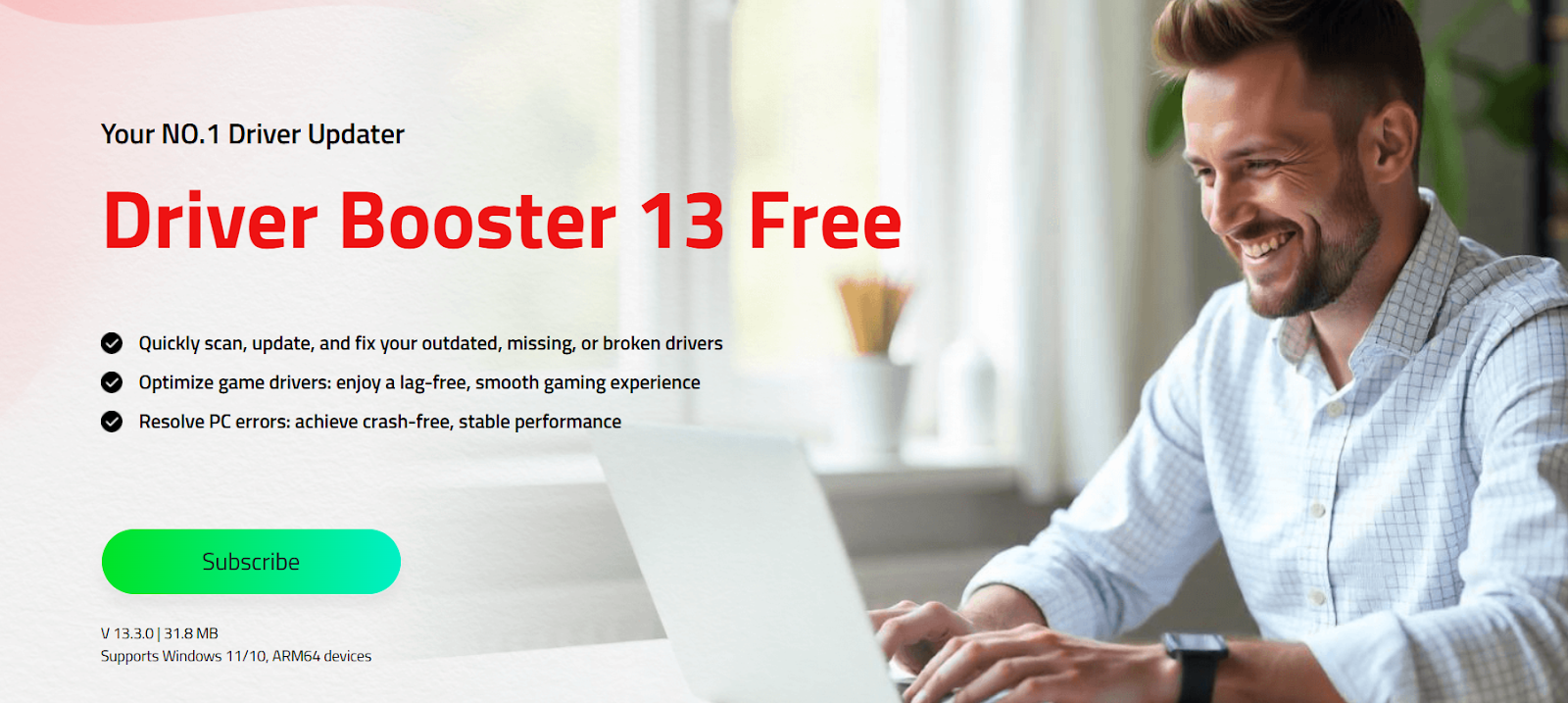
Does your computer often crash? Is your browsing slow or your audio crackling? Outdated drivers can cause various PC performance issues. However, a reliable driver updater software like Driver Booster can resolve the issue quickly. With the help of this tool, users can update all PC drivers with a single click — no technical knowledge or manual effort required. In this guide, we’ll cover everything about Driver Booster, including its key features, benefits, drawbacks, and how to update drivers in one click.
Part 1: What Risks Arise From Outdated Drivers?
Drivers are essential software components that allow your operating system to communicate with hardware devices. Unfortunately, using outdated drivers can lead to a variety of problems that affect both performance and stability:
- Security Risks: Outdated drivers can pose significant security risks. Hackers exploit vulnerabilities in old or unpatched drivers to gain unauthorized access to your system.
- Poor Performance: When drivers are not updated regularly, you may experience degraded performance on your computer, leading to multiple issues, such as slower operation, incompatibility with new applications and technologies.
- Software Crashes: One of the leading causes of software instability and crashes is outdated drivers. When drivers are incompatible with your operating system or applications, programs crash or fail to launch entirely.
- Hardware Malfunctions: Outdated drivers can also cause various hardware malfunctions. For example, if you have an outdated graphics driver, you may experience blurry visuals or screen flickering while gaming or watching videos.
Part 2: Driver Booster: Update All PC Drivers in One Click
When it comes to the best tool for updating all PC drivers in one click, Driver Booster is the best option. It is a reliable tool that automatically finds outdated, corrupted, or missing drivers and updates them without requiring technical knowledge. With just a single click, Driver Booster scans your entire system, identifies drivers that need attention, and installs the latest version from official sources. One of the best parts of this tool is that it’s available for free, meaning users can enhance PC performance without spending a single penny. Additionally, it offers an intuitive and user-friendly interface, which is ideal for non-tech and beginner users. Whether you’re a casual user or a gamer, Driver Booster simplifies PC maintenance, reduces system crashes, and fixes hardware issues caused by outdated drivers.
Part 3: Why Driver Booster Stands Out From Other Driver Updaters
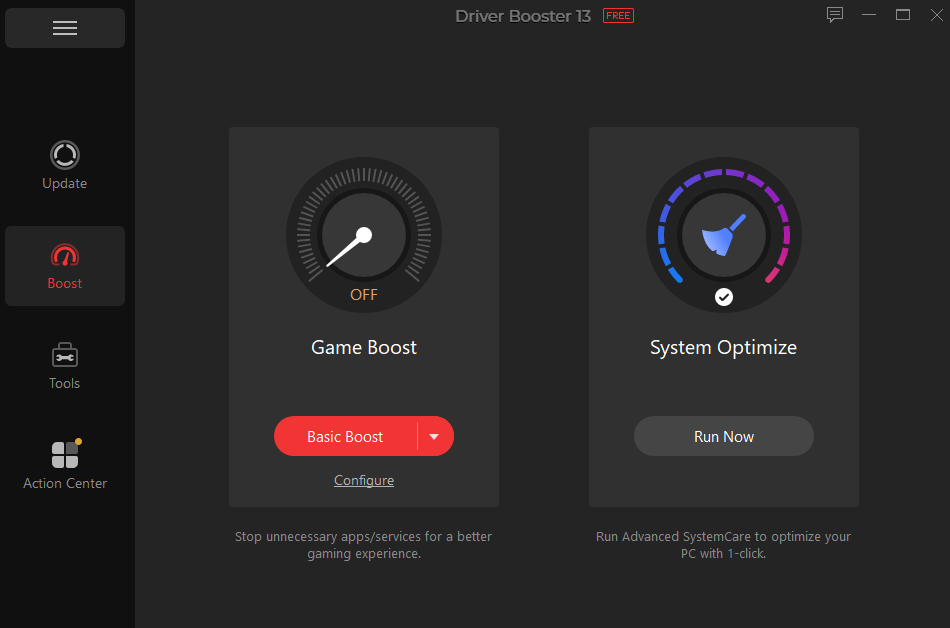
Driver Booster’s amazing features and capabilities make it one of the best driver updaters available in 2026. Here are the top features of this program:
- One-Click Updating: The best part of this program is that it can update all PC drivers with a single click. Hit the “Update All” button, and the software automatically updates outdated, missing, or corrupted drivers to the latest version.
- Wide Range of Drivers: Driver Booster includes 18 million + drivers, including graphics cards, sound devices, network adapters, printers, webcams, and more. All the drivers are manufacturer-certified, such as INTEL, AMD, NVIDIA, and Sony.
- Dual Certification: All the drivers available on this program pass both WHQL certification and IObit’s Test. This dual certification guarantees that every driver installed is official, stable, and secure.
- Offline Driver Updater: Most driver updaters available require a stable internet connection to update drivers. However, this tool works offline, meaning users can update drivers without an active internet connection.
- User-Friendly Interface: Driver Booster offers an intuitive and simple interface, allowing users to update outdated drivers without professional help or technical knowledge.
Part 4: Benefits and Drawbacks of Using Driver Booster
Driver Booster is an easy-to-use driver updater that comes with hundreds of benefits, but it also comes with certain limitations. Here are the pros and cons of Driver Booster:
Pros
- One-click drivers download and update, making it time-saving and accessible.
- Support all Windows versions, including Windows 11, 10, 8.1, 8, 7, XP, and Vista.
- Automatically back up current drivers and create a system restore point before any update.
- Supports 1200+ brands, such as HP, Dell, Sony, Canon, LG, MSI, Logitech, and more.
- Offers a free version, allowing users to update drivers without spending a single penny.
Con
- Free version of Driver Booster has limitation as compared to the Pro version.
Part 5: Step-by-Step Guide: How to Update Drivers in One Click
With the help of Driver Booster, users can update drivers in a single click. Here is how to do it:
- Download, install, and launch the latest version of Driver Booster on your PC. Hit the “Scan” button to begin the scanning process.
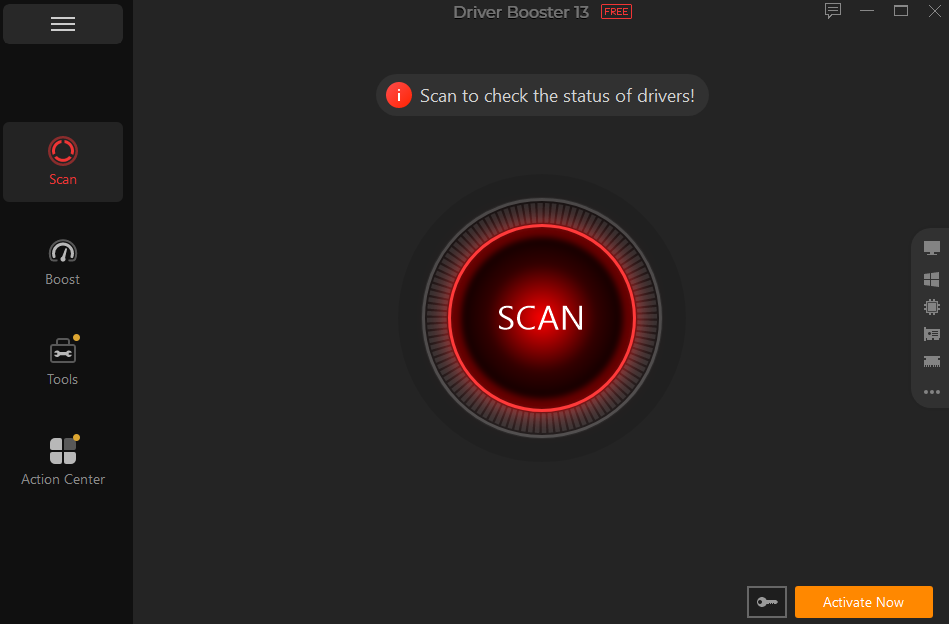
- The program will completely scan your PC and find all the missing, outdated or corrupted drivers.
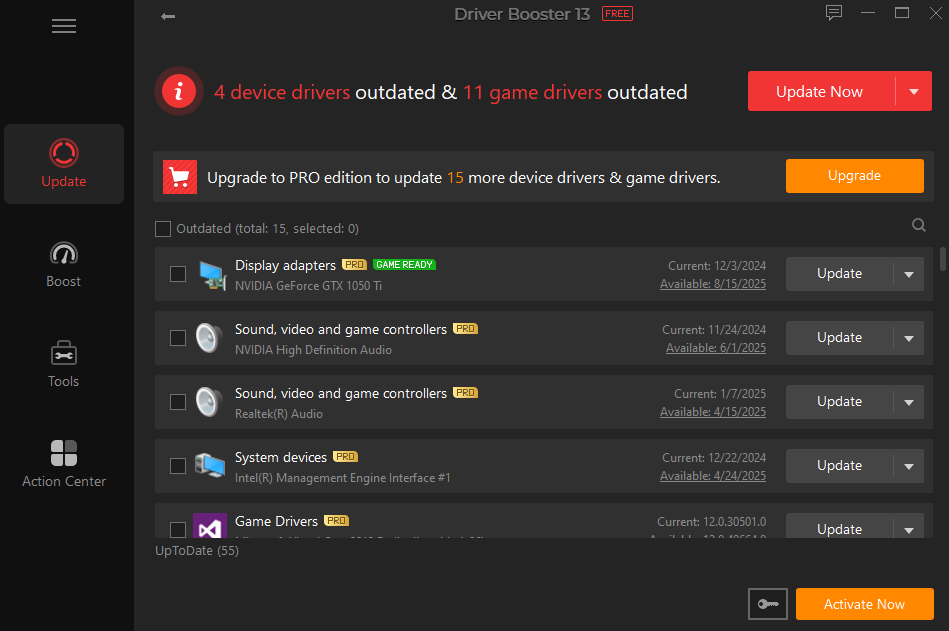
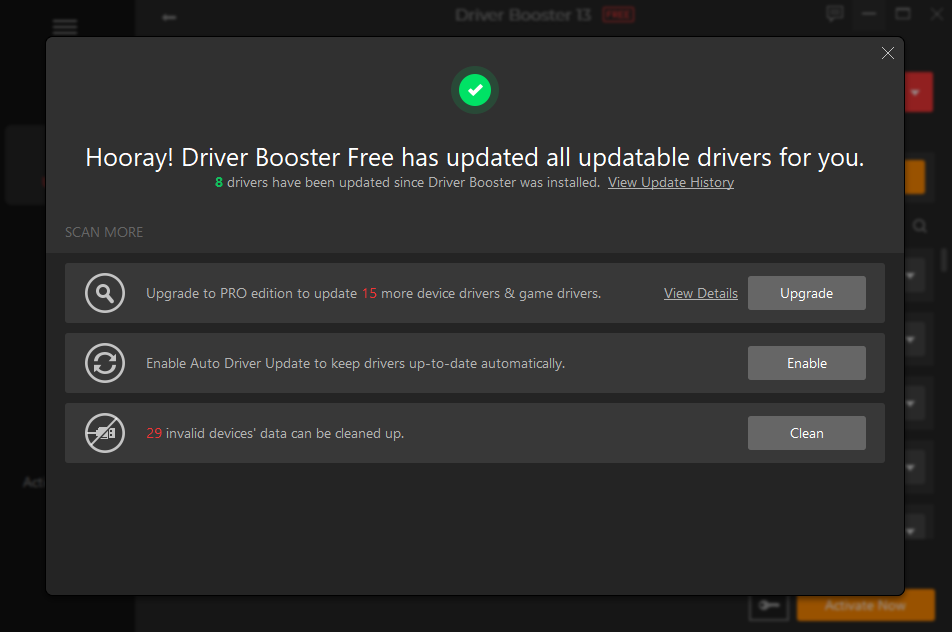
- Once the scanning is complete list of outdated drivers will appear on your screen. Click on the “Update All” button to update all the drivers.
Conclusion
If you want to update all PC drivers in a single click, Driver Booster is the best option. This program automatically scans all the outdated drivers available and updates them to the latest version effortlessly. Its free version and easy-to-use interface make it a must-have tool to enhance your PC performance.